
Operations and navigation
Bump.sh offers several methods for sorting your API operations to provide a smooth and coherent reading structure based on tags or operation names and URLs.
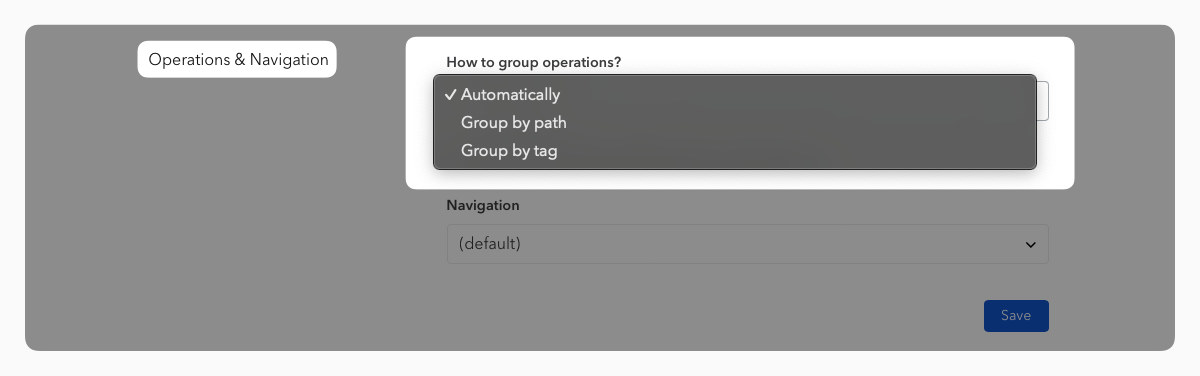
From the “Customize UI” tab in your documentation settings, you can select a custom operations & navigation grouping mode between either “Automatic”, “By Path” or “By Tag”.
Sections #
By default, all operations are displayed in your documentation navigation within fixed sections:
Endpointsfor all groups of REST operationsWebhooksfor all groups of REST webhook operationsChannelsfor all groups of Message Driven operations
If you want to customize those sections, you can use the dedicated
vendor extention x-tagGroups. This extension lets you define
specific section names, with their list of tagged groups they should
contain. More details on how to do that on the dedicated extension
page.
Note: customized sections with
x-tagGroupswill only work if your documentation is in “automatic” or “group by tag” grouping mode (see next paragraph)
Grouping operations #
Automatic #
By default, Bump.sh analyzes your API definition and suggests the most suitable sorting mode, either by paths or by tags.
If first-level field tags are present at the root of your OpenAPI document object, Bump.sh will use Group by tags as a default documentation generation behaviour.
Group by path #
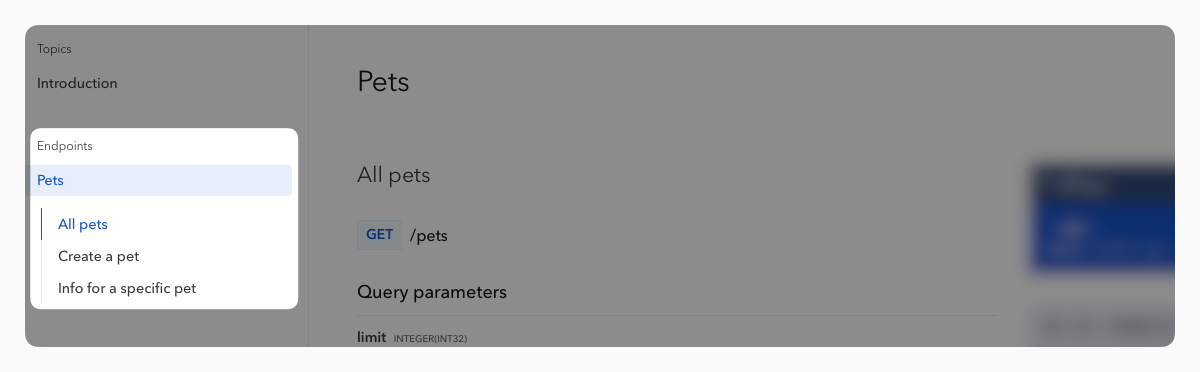
When Group operations by path is chosen, Bump.sh deduces group names from related paths. The first part of the path is extracted to generate the group name, and every operation related to it will be grouped together.
Group by tag #
When group operation by tag is selected, Bump.sh will use the tags from your API definition to group, name and sort operations.
Tags offer you better customization of your documentation, going beyond the resource names. You can also add a description for each tag, which will appear in the header of your documentation.
When “Group operations by tag” is selected, operations without tags will be ignored and won’t be displayed.